Finding your way around
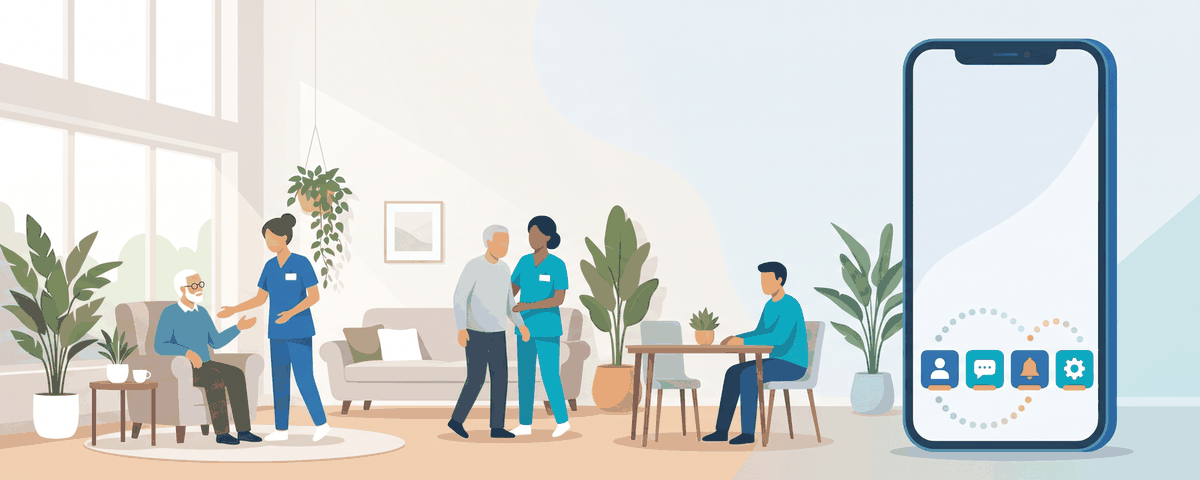
The four tabs on the phone
At the bottom of the phone app you will see up to four tabs:
| Tab | What you find there | Chapter |
|---|---|---|
| My client | How your family member is today, medicines, appointments, bills, supplies | 4, 6, 7, 9, 10, 11 |
| Updates | Photos and videos shared by the centre | 5 |
| Inbox | The button that opens WhatsApp with the care team | 8 |
| Profile | Your account, the client's profile, raising a concern, notices and settings | 12, 13, 14 |
There is no Home page and no menu. If you are looking for something, it is behind one of these four tabs.
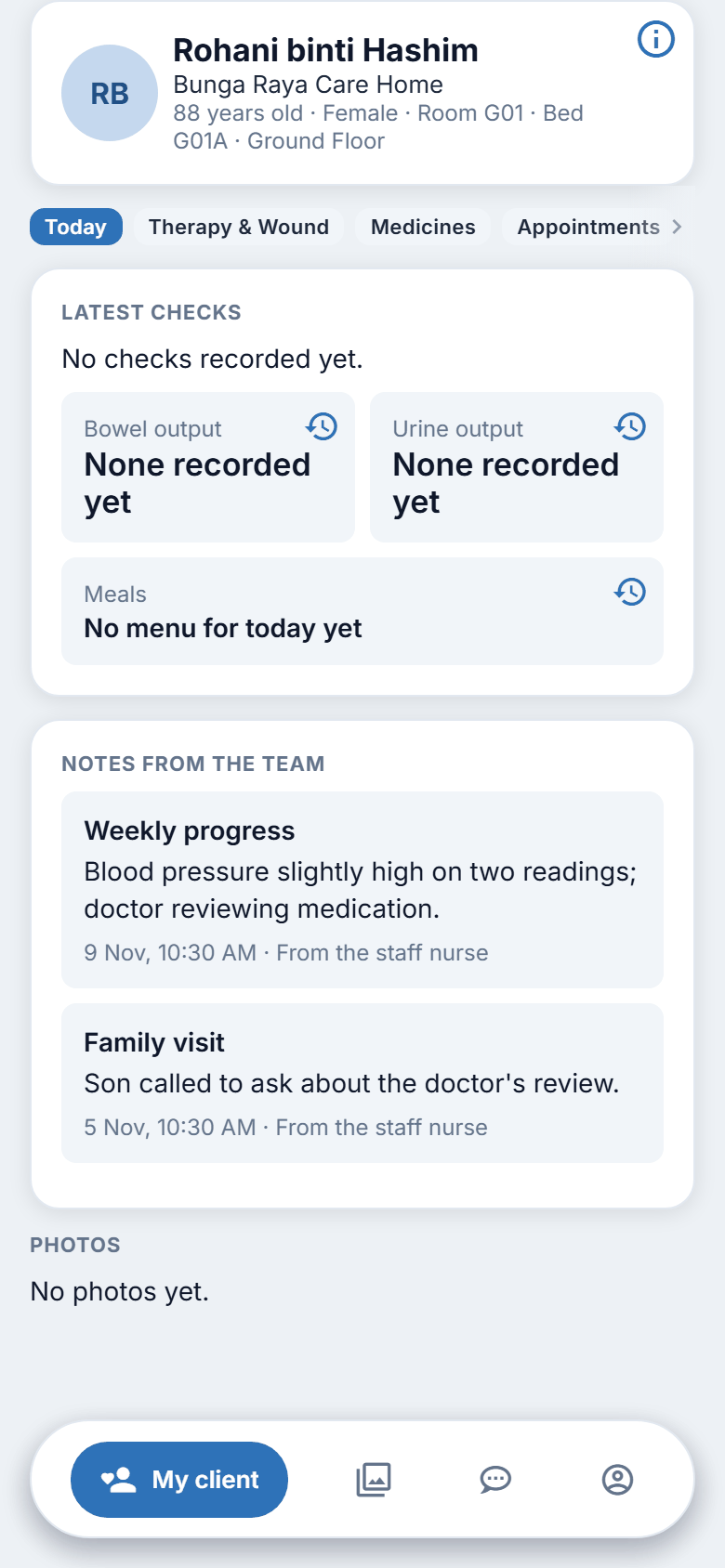
Inside My client
At the top of My client is a card with your family member's name, their centre, and a short line such as their age, room and bed (only what the centre has on record). A small i in the top right opens their profile (chapter 13).
Under the card is a row of buttons. Swipe sideways if it runs off the screen:
Today · Therapy & Wound · Medicines · Appointments · Bills · Supplies
Tap one to open that section. Each section loads when you open it. Pull down on the page to refresh it.
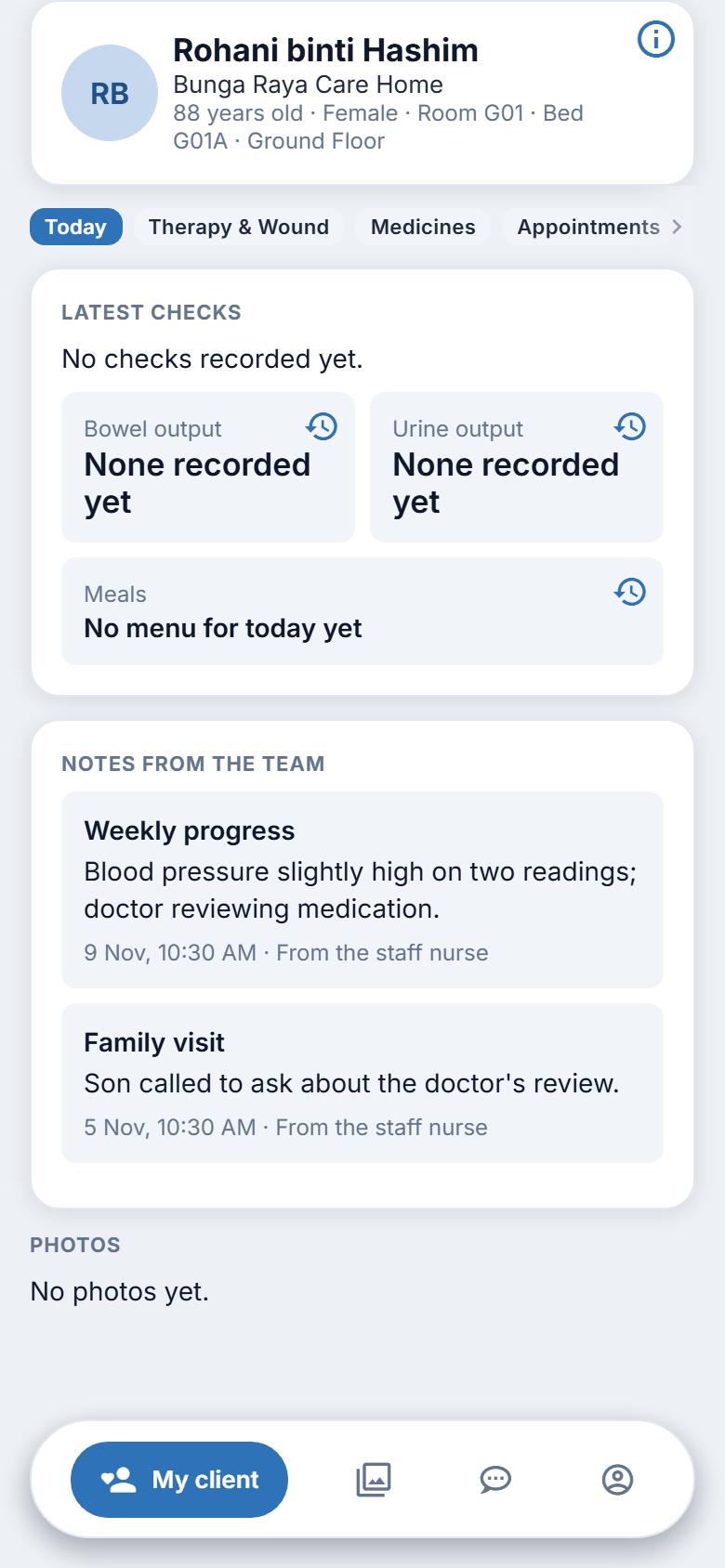
If you look after more than one person
If your account is linked to more than one client at the centre, a button for each name appears on the card. Tap a name to switch. The sections and the Updates tab then show that person.
If you see "not linked yet"
The page "Your account is not linked to a client yet. Please message us on WhatsApp." means the centre has not yet linked your account to your family member. Message the centre (chapter 8).
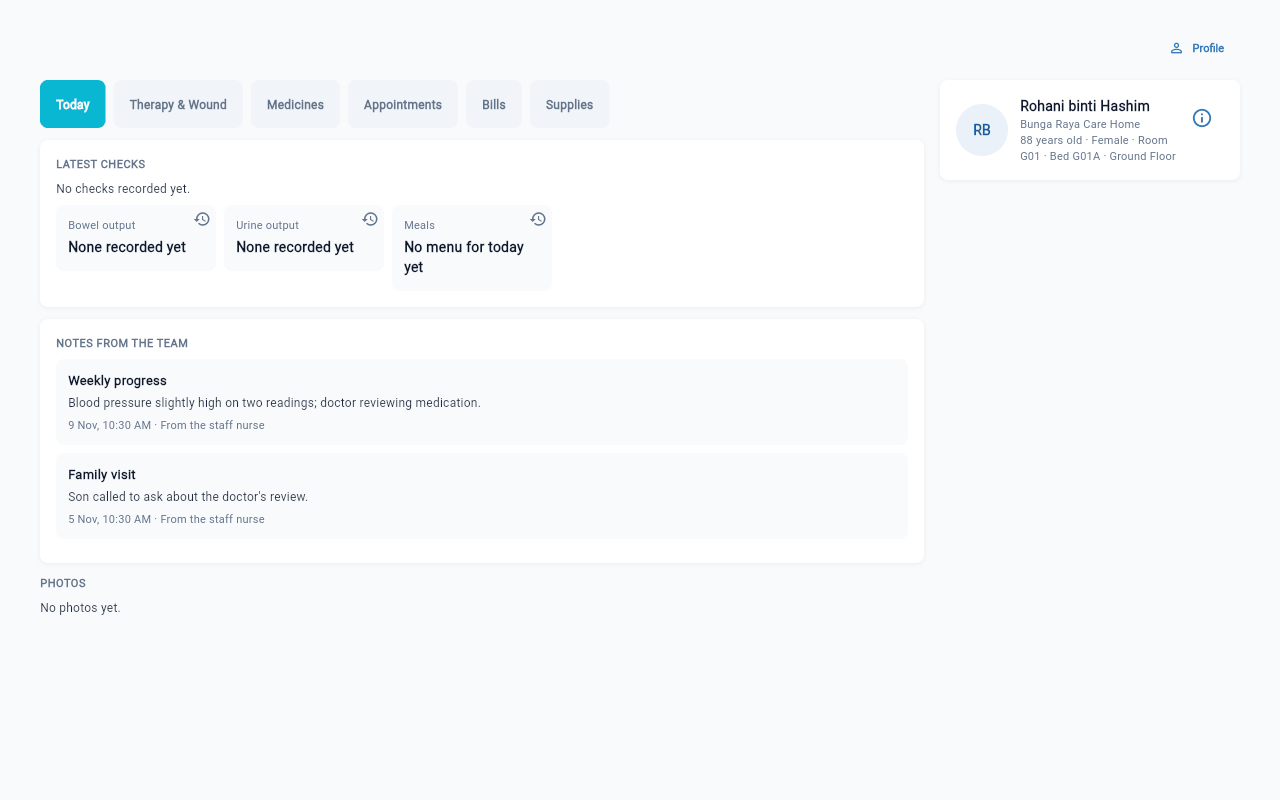
The website
On the website there is a single page, My client, with the same sections along the top. A Profile link at the top right, above the card, opens your Profile page (your details, your client's profile, Raise a concern, notice choices and sign out; see chapter 14). There is no tab bar and no Updates tab: the photos are inside Today. To message the centre from the website, see chapter 8.
A client who has left
If your family member no longer lives at the centre, the card says No longer staying with us. You can still see what was on record, but not stock counts or doses that were "not yet" given. The medicines list is then headed "Medicines on record".
Refreshing and slow signals
Pages are read from the centre's records each time you open them. If the signal is poor you may see "We could not load this. Please try again." with a Try again button. Tap it. If it keeps failing, check your signal.