Every part of running a care home, in one system
Life Care Systems is made of modules in seven groups. Core care is in every plan. Business modules, such as payroll and accounting, come with higher plans. Choose a group to see each module.
1. Client care
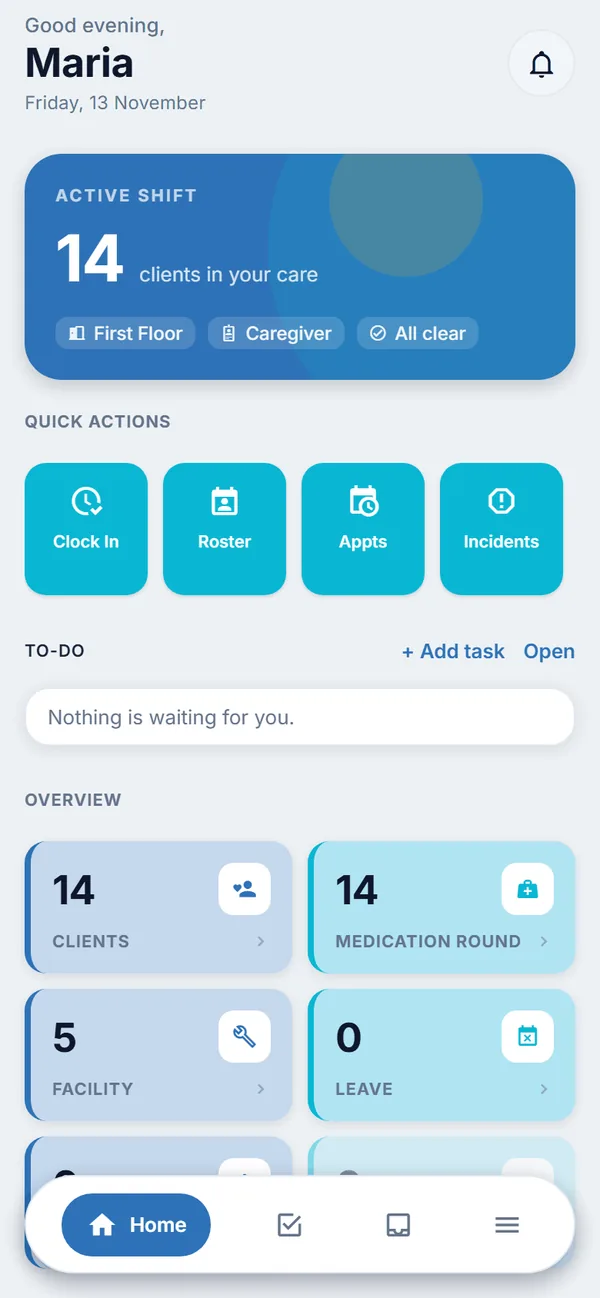
The daily work of looking after clients, on the phone and on the web.
Client records
Profile, family contacts, documents, diet and belongings in one place.
Vital signs
Record readings and see the trend over time.
Drug chart and medication rounds
Prescriptions, dose recording, and a list of missed or late doses.
Care plans and progress
One care plan per client, shared by the care team, with progress entries and photos.
Notes, handover and incidents
Shift notes, handover between shifts, and incident reports from report to close.
Appointments and supplies
Appointments, bed board and each client's own supplies.
2. Family app and web
Families stay informed without phoning the nurses' station. Family accounts are free.
Updates and photos
Checks, notes and photos you choose to share.
Appointments, bills and supplies
What is booked, what is owed, and what is running low.
Chat and concerns
Message the home on WhatsApp, or raise a concern and follow what happens.
3. Staff and payroll
From the roster to the payslip.
Roster, attendance and leave
Shifts, swaps, clock in and out with location, and leave applications.
Claims, payslips and documents
Staff claim expenses, see their own payslips and upload the documents HR needs.
Learning
Courses, mandatory training and certificates.
Payroll and HR records
Pay runs, statutory reports, staff records, permits and expiry dates, and hiring.
4. Running the home
The work that keeps the building, the kitchen and the vehicles going.
Purchasing and stock
Requests, orders, goods received, stock counts and budgets.
Housekeeping and laundry
Checklists, tasks and laundry counts.
Food and beverage
Daily meal sheets, diets, menus and meal counts.
Maintenance
Repairs, checklists, expiry calendars, assets and vehicles.
Fleet
Trips, fuel, cleaning and vehicle checks.
5. Billing and accounting
From a client's invoice to the month-end accounts.
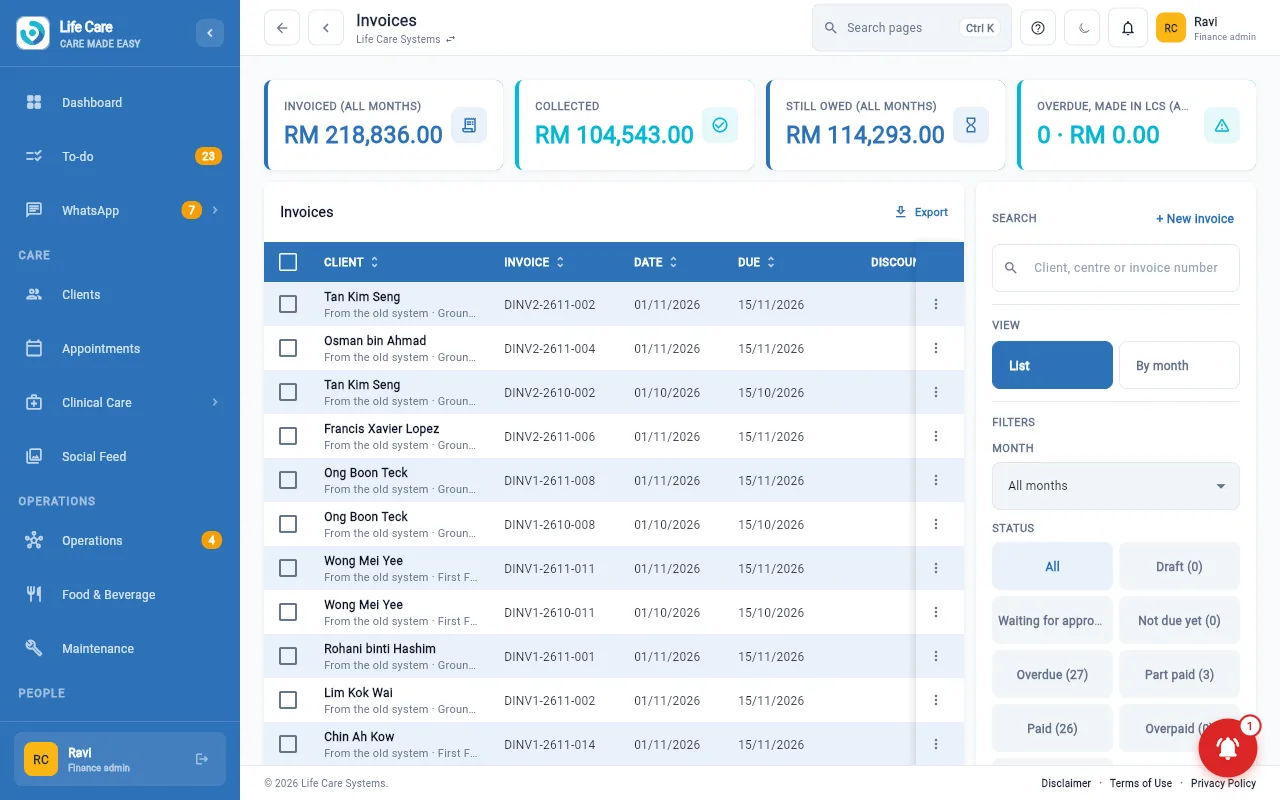
Invoices and charges
Monthly invoices, add-on charges, receipts, credit and debit notes, deposits and statements.
Supplier bills and payments
Bills, payment batches and staff claims.
Accounting
Journals, ledger, trial balance, financial statements, tax workings and bank matching.
6. Enquiries and front desk
From a family's first question to their first visit.
Enquiries and chats
Every enquiry in one list, with follow-ups and WhatsApp chats.
Visit bookings
A public booking page and visit slots for each centre.
7. Reports, access and control
See how the home is doing, and decide who can see what.
Reports
Care, purchasing, inventory, clinical, fleet, overtime and incident reports.
Centre profit and loss
A one-page view for each centre manager.
Users and access
Create accounts, link families to clients, and set what each person can see.
Audit log
A record of who did what.
AI assistants that prepare, people who decide
The finance, HR, operations and marketing desks each have an AI assistant. It drafts and prepares work for the team, such as a draft reply, a checked list or a proposed payment run. A person reviews and approves it. The assistants do not act on their own, they do not make clinical decisions, and they do not give medical advice. Read how in agent-assisted finance and HR.
Try the modules yourself
A free 30-day test account opens a practice centre with made-up clients and staff.