Higher plans
Care home operations software for purchasing, kitchen and maintenance
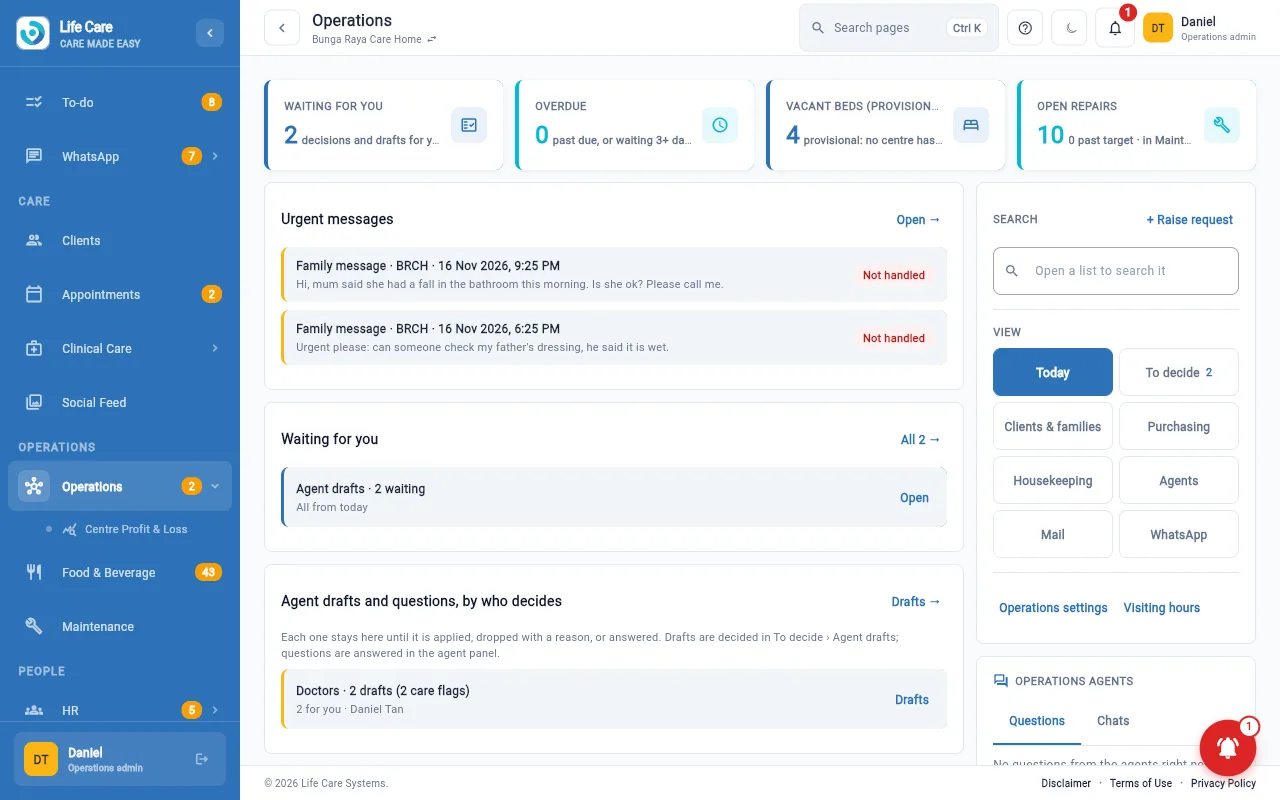
The work behind the care: ordering supplies, cleaning, meals, repairs and vehicles, with requests that someone has to decide in one list.
AI in this module: an operations assistant drafts and prepares work for a person to approve. How the assistants work.
The problem
Requests arrive by phone, chat and sticky note
A broken bed rail, a low stock of gloves, a change to the lunch menu: each one is a message someone has to remember. Here each becomes a request with an owner and a status.
What is included
The modules in this group
Operations desk
- Anyone can raise a request
- A "to decide" list for purchase requests, stock charges, replacements and receipts
Purchasing and stock
- Requests, orders, goods received
- Confirm deliveries against orders on the phone
- Weekly stock count
- Budget and spend; product and supplier lists
Housekeeping and laundry
- Daily checklists and tasks
- Laundry piece counts
Food and beverage
- Daily meal sheets and diets
- Menus and meal counts, daily and monthly
Maintenance
- Anyone can report a repair; handymen see their own jobs
- Registers: checklists, calendar, expiry dates and recurring duties
- Assets and vehicles
- Repair costs shown to administrators only
Fleet
- Trips and fuel
- Cleaning and vehicle checks
Purchases and supplier bills flow into billing and accounting. Client supplies connect to client care and to what families see in the family app.
AI assistant: the operations desk has an assistant that drafts and prepares work. A person reviews and approves it; it does not act alone.