Chapter 8
Message the care team

What it is for
You talk to the care team on WhatsApp. The app does not have its own chat any more. The Inbox tab opens WhatsApp for you, so you do not have to look the number up.
Steps (phone)
- Tap the Inbox tab.
- Read the card: Message the centre on WhatsApp. It says "Messages has moved to WhatsApp. Ask the care team anything about your family member, any time."
- Tap WhatsApp the centre.
- WhatsApp opens with the centre's number ready. Type your message and send it.
The message arrives as a normal WhatsApp message to the centre. Nothing about you or your family member is filled in for you. Say who you are and who you are asking about.
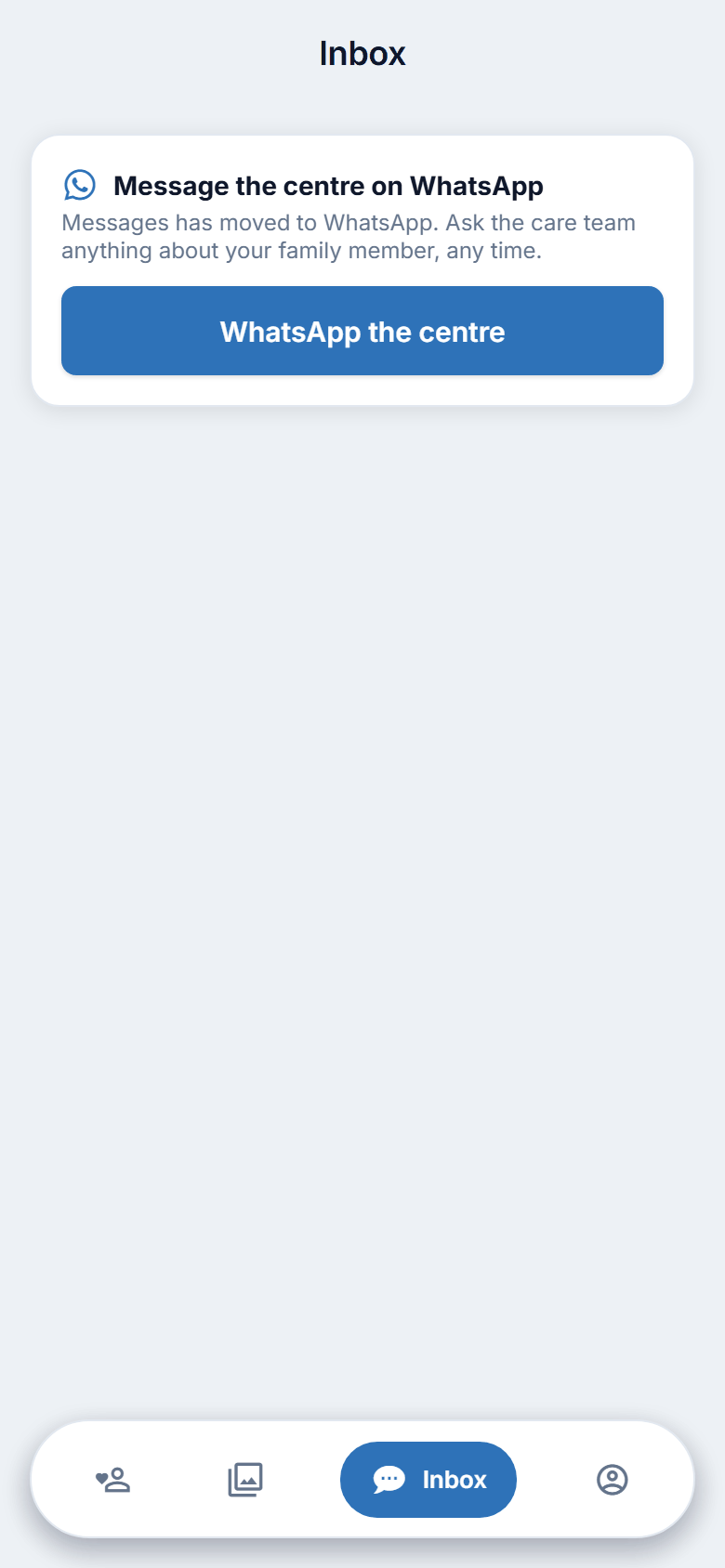
Figure 8.1. Messaging the centre.
On the website
The website's WhatsApp button is shown only when your account is not yet linked to a client. Once you are linked there is no button on the website, so use the phone app Inbox tab, or open WhatsApp yourself with the number in your admission pack.
Writing a good message
- Start with the name of your family member, in case you look after more than one person at the centre.
- Say what you need: a question, a request to bring something, a change to a visit.
- Please do not use WhatsApp for something urgent. Phone the centre. See chapter 16.
When you will get an answer
Care teams answer when they can. A reply is not instant, and a person at the centre may be busy with care.
Good to know
- Questions about a bill can also go here. The Bills section says so.
- If WhatsApp is not installed, the app cannot open it. Install WhatsApp, or phone the centre.